Stetley Sheets: Excel files, without Excel
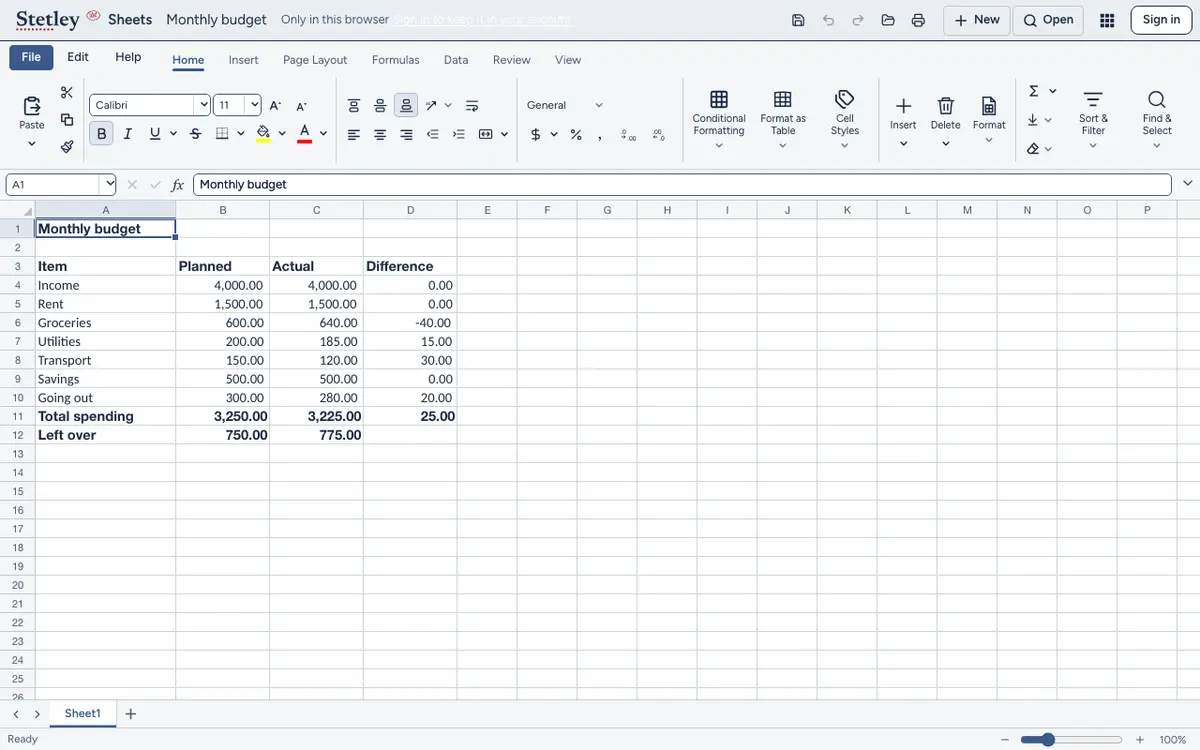
A spreadsheet that opens Excel files as they are, with the formulas, charts and shortcuts you know. Use it in your browser with no account, or get the 7 MB Mac app.
On the web your workbooks stay in your browser: nothing is uploaded until you sign in.
Why Sheets
- Nothing to upload
- Open an .xlsx and it stays in your browser. Sign in when you want your workbooks in your Stetley account.
- Small on your Mac
- The Mac app is a 7.1 MB download. The Mac App Store lists Excel at 1.2 GB.
- What you already know
- Formulas, charts and the keyboard shortcuts from Excel, so there’s nothing new to learn.
- Works offline
- Sheets keeps working without a connection.
Honest limits
Sheets opens and saves .xlsx. Older .xls files aren’t supported yet.
On the Mac
Download Stetley Sheets for Mac: macOS 11 or later, Apple silicon and Intel. Free.
Stetley and Microsoft 365 compared · All the apps
Questions
How do I open an Excel file without Office?
Open Stetley Sheets in your browser and choose the .xlsx file. It opens with its formulas and charts, and you can save it back as .xlsx. No account, and nothing uploaded.
Is the Mac app free?
Yes. Every Stetley app is free on the web and the Mac.
Can it open .xls files?
Not yet: only .xlsx for now. Excel can save an .xls as .xlsx.
Where are my workbooks kept?
In your browser, until you sign in. Signed in, they’re kept in your Stetley account.