README template
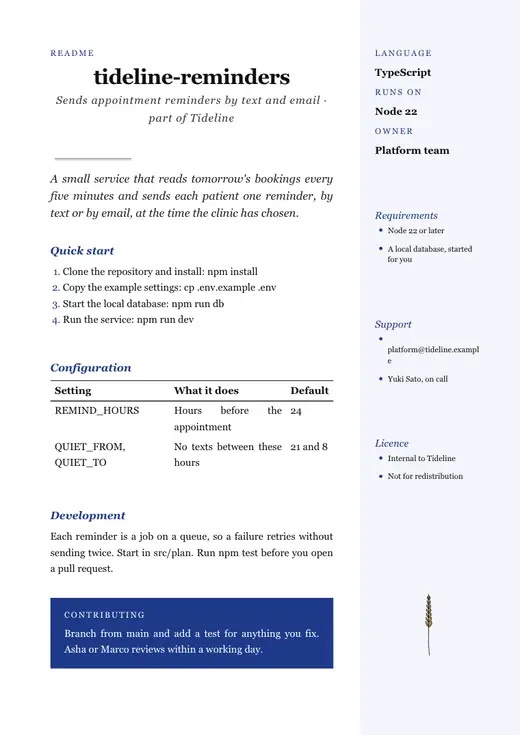
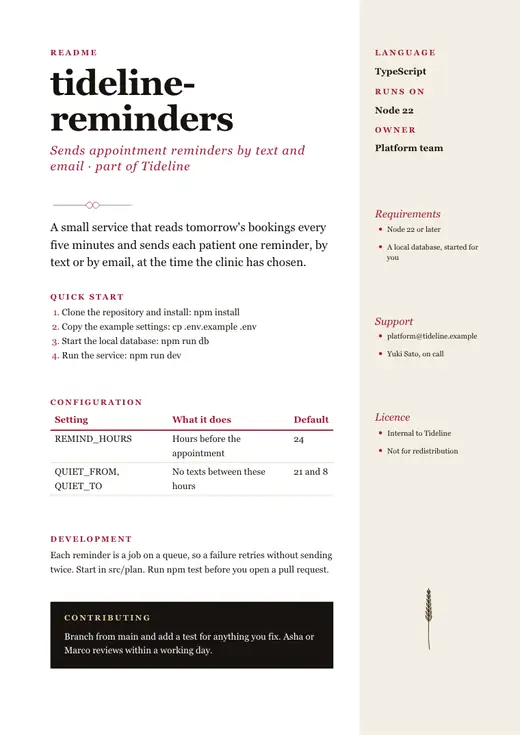
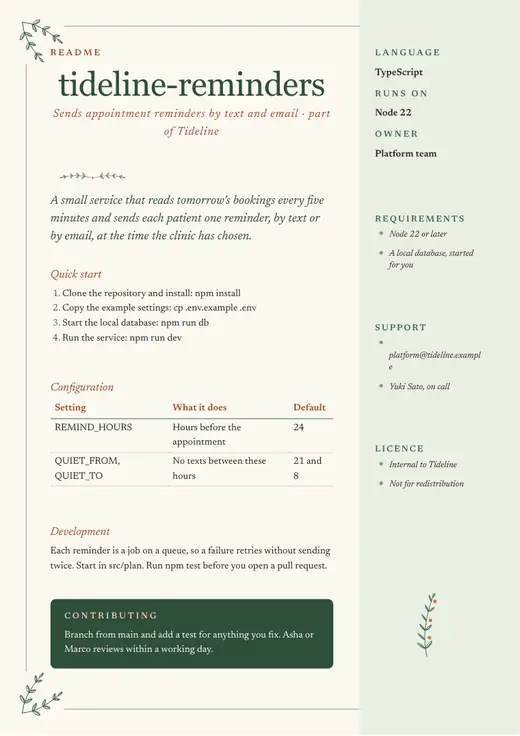
A README that gets someone running in five minutes.
Opens this template’s preview in Stetley Docs, free, with no account. Choose “Open the example” to write over it yourself, or “Use this template” for a draft from AI. Sign in when you want it saved to Stetley.
Two ways to use it
Fill it in yourself
Opens the example you see here as a document, in the theme you choose. Every part is marked as a placeholder until you write over it. No AI, and it works offline.
Draft it with AI
Answer a few questions and the first draft is written into this design, with AI’s words marked until you accept them. Afterwards, Review suggests changes to what you wrote, each a tracked change with its reason. It runs on your own computer (a model in your browser, Ollama, Apple Intelligence) or with your own key; this one works with a small model on your computer.
It asks you for:
- Project and what it does
- Setup steps and commands you know (paste them exactly)
What’s in it
- What it is
- Quick start
- Configuration
- Development and testing
- Requirements, support, licence
- Contributing
Australia, the United Kingdom and the United States
The Australian example is written by hand; the British and American ones are the same page with that country’s dates, money, spelling, phone numbers and tax words, and the American one is on US Letter.
The example page is the same one in every country; what changes is below.
- Paper
- A4
- Dates
- 12 November 2026 (d/m/y)
- Money
- GBP, £
Any theme
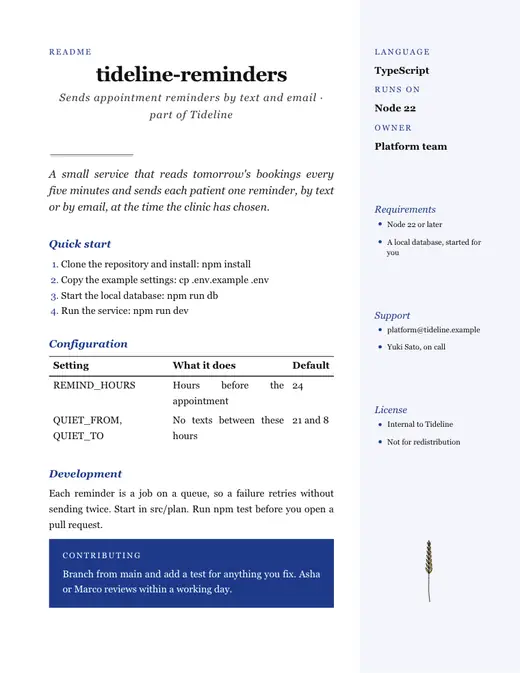
Every document template comes in ten themes. A theme changes the type, the colour and the drawing, never your words.
More engineering and IT templates
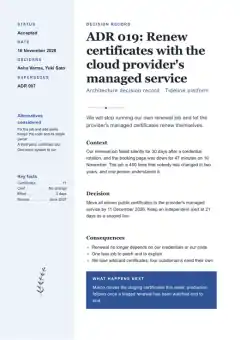 Architecture decision record
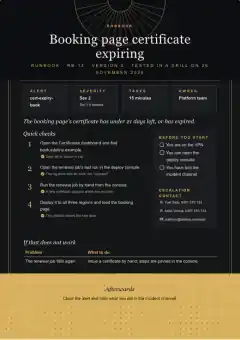 Runbook
Questions
Is the README template free?
Yes. It opens as an ordinary document that is yours to change, and it saves as a Word file or a PDF.
Do I need to pay for AI?
No. The template works without AI: open the example and write over it. If you want a first draft written for you, Docs uses a model on your own computer or your own key with any provider. Stetley runs no model of its own and does not train on your work.
Can I open it in Word?
Yes. Docs saves .docx, and what you make opens in Word with its layout, tables and tracked changes.